“Receipts come by email, by messenger and in the client’s folder.”
One conversation for each client.
Scans, files or whole folders, with your question right beside the receipt.
The documents arrive. A question comes up. Keep the exchange together, from the first receipt to the next review.
Nora has sent her closing documents. Only the delivery receipt is missing. Ask for it beside the files, and let her reply complete the exchange.
 With Encloq
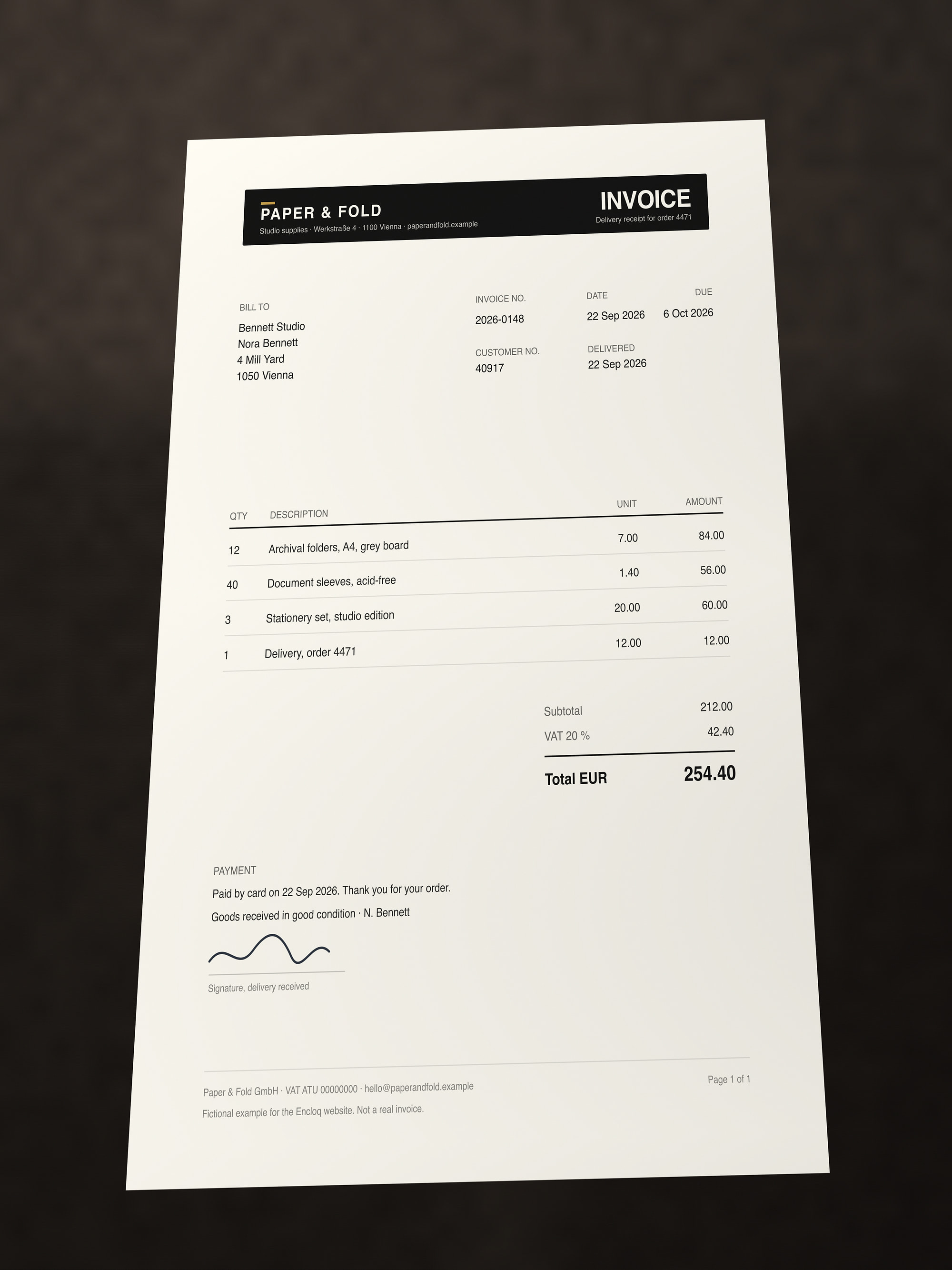
Ask beside the bank statement. Nora scans the missing invoice and answers in the same conversation.
The receipt arrives where you asked for it.
Up to 24 straightened pages become one PDF.
Try the document scannerReceived files also land in My Files › Received.
Nora photographs the missing invoice on her desk. The scanner finds the edges, flattens the page and turns the photo into a document before it leaves her phone.
The same moments every tax year, and what Encloq does instead.
“Receipts come by email, by messenger and in the client’s folder.”
One conversation for each client.
Scans, files or whole folders, with your question right beside the receipt.
“Payslips by email? Please not to the info@ inbox.”
Only for the people in the conversation.
Encrypted on the device before upload; the notification email never shows the content.
“The query list comes back as ‘final_v3’, the questionnaire as a photo.”
Filled in inside Encloq.
Spreadsheets in the built-in editor, PDF forms field by field, each save a version.
Try the editor“I chase the approval of the return by email.”
A signature request on the PDF.
Your client signs in the PDF editor, and a signed version comes back.
How signature requests work“The tax assessment has been with the client for three weeks, and the objection period is running.”
Scanned into the conversation.
Your client scans it with “Scan a document”, and it arrives as a PDF.
“The tax audit wants to see a receipt from last year.”
Search that reads scans.
It reads inside PDFs and recognises text in scans, on your device.
Signature requests with Pro. Encloq signatures are not qualified electronic signatures and don’t replace one where the law requires it.
Bank statements, payslips and returns fall under your duty of confidentiality. Files and message content are encrypted before they leave the device; the service still sees what delivery needs, such as participants, file sizes and times.
See how the protection worksWith Pro, conversations you start can count against your storage instead of your client’s, and your client keeps their own plan. Your bookkeeping, tax software and filing with the tax office stay; Encloq is the exchange around them.